Facelessvideo

Clean export guide

Choose a faceless video generator without watermark with confidence

If you need a faceless video generator without watermark, check the export rather than relying on a feature label. A draft may look clean in the editor while the downloaded file carries branding, so confirm the terms and inspect a short test file before making a full video.

Check export terms before publishing
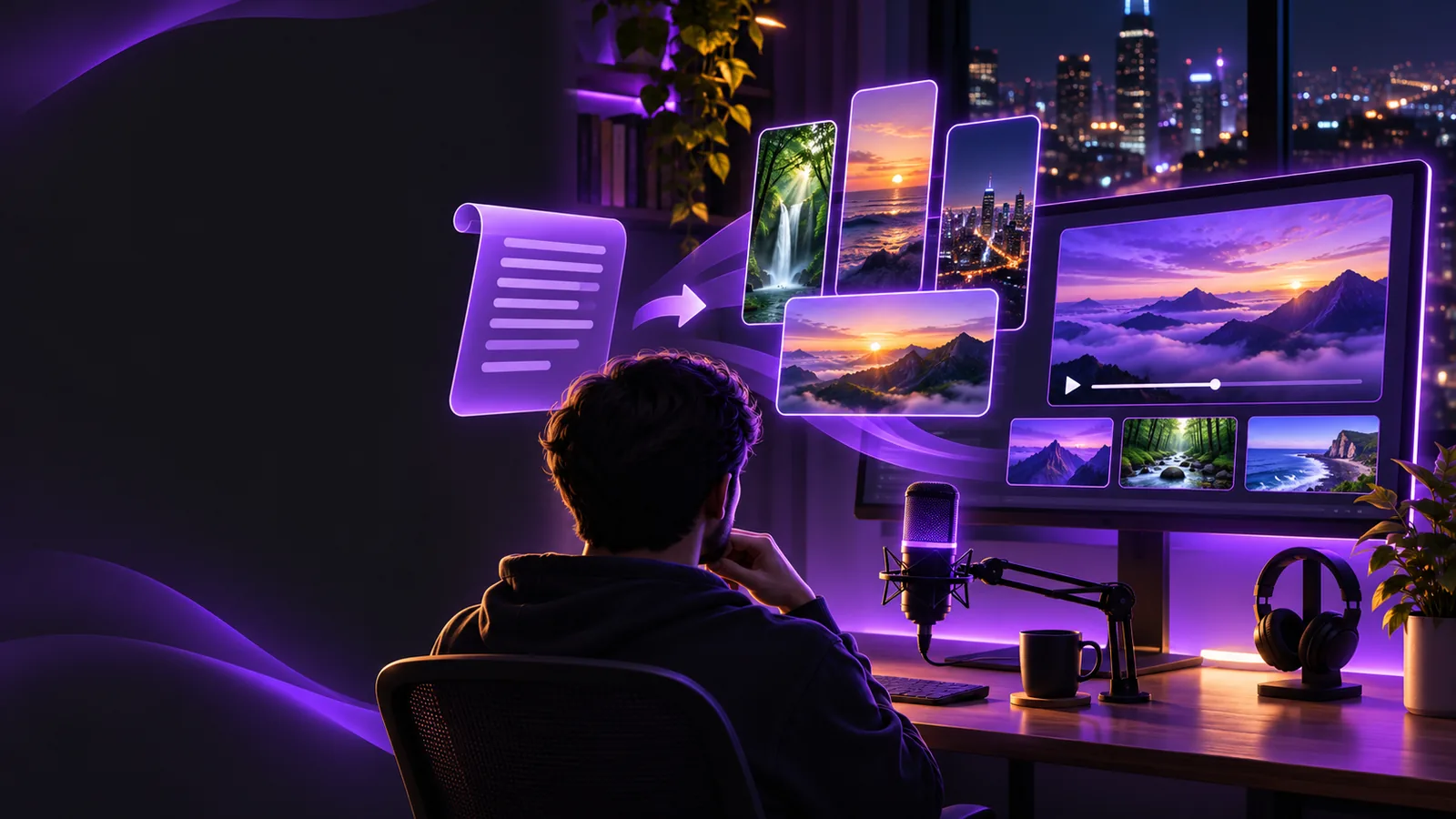
Faceless video creation scene

Three checks that reveal the real export

Use a short test project to find friction before you invest time in a full script. These checks apply whether you use a faceless video generator or assemble the video yourself.

Read the export conditions

Find the terms for the exact export option you expect to use. Look for branding requirements, resolution limits, and restrictions on footage, music, or generated assets. Do not assume that a clean editor preview means the downloaded file will be watermark-free.

Export a short sample

Make a brief video with a title, visual sequence, and audio. Download it using the same settings you would choose for publication. If an export option is unavailable, treat that as a workflow limit rather than planning around an untested promise.

Inspect the finished file

Watch the download from beginning to end, including the opening and final frame. Check corners, transitions, captions, and end cards for branding. Then verify that every visual and audio element is suitable for your intended use.
A verified clean export versus an unverified draft

A faceless video generator can help you assemble a video, but only the finished file and its applicable terms answer the watermark question.

Unverified draft Verified clean export
1

Branding

Unverified draft

The editor preview looks clean, but the downloaded file has not been checked.

Verified clean export

The downloaded file has been watched for visible logos, corner marks, and end cards.

2

Export access

Unverified draft

The required export setting is assumed to be available.

Verified clean export

A sample has been downloaded using the setting intended for publication.

3

Resolution

Unverified draft

The project canvas looks sharp, but export quality is unknown.

Verified clean export

The downloaded file has been checked at the size needed for the destination.

4

Audio

Unverified draft

Narration and music sound acceptable in the editing preview.

Verified clean export

The final file has been played back for sound quality and unwanted audio tags.

5

Asset rights

Unverified draft

The source and permitted use of visuals or music have not been confirmed.

Verified clean export

The applicable terms for included assets have been reviewed for the intended use.

6

Publishing readiness

Unverified draft

The video is ready in the editor but may still need changes after export.

Verified clean export

The complete file has been reviewed before scheduling or uploading.

Where a watermark check matters most

Different creators face different consequences when branding appears unexpectedly. Build the check into the workflow that matches your destination.

YouTube educator

You are preparing an evergreen lesson with narration, diagrams, and stock footage. A mark or branded end card would distract from the lesson and may force a last-minute replacement.

Test the final export before recording or assembling the full series. For channel-specific planning, see the faceless video generator for youtube guide.

faceless video generator for youtube

Budget-conscious beginner

You want to try a concept before committing to a production routine. Access to an editor does not, by itself, tell you whether its downloadable video includes a watermark.

Compare export conditions early. The free faceless video generator guide focuses on access questions worth checking before you build.

free faceless video generator

Short-form creator

You are adapting a vertical explainer for more than one platform. A mark near an edge may be especially noticeable after the video is cropped or reframed.

Review each platform-ready file rather than just the master draft. The faceless video generator vs tiktok comparison helps frame channel-specific choices.

faceless video generator vs tiktok

Tutorial publisher

You combine generated scenes with screen captures and voiceover. Branding can enter through an exported clip even when the rest of your editing workflow is clean.

Inspect each source clip and the completed video. The guide on how to make faceless youtube videos with ai covers the broader production sequence.

how to make faceless youtube videos with ai

Finish with a file you have actually checked

Build the video, then verify the export

Facelessvideo helps you explore a faceless video workflow. Before publishing, confirm the current export conditions at the destination, download a sample, and inspect the completed file. That is more reliable than assuming any faceless video generator produces a clean export under every setting.

  • Check the terms for your intended export
  • Test the settings you plan to use
  • Review the downloaded video before publishing

Watermark and export questions

Download a short test video using the settings you intend to use for the finished project. Watch the whole file, including transitions and the last frame, because branding may appear outside the main footage.

Not necessarily. An editing preview and a downloaded export can have different conditions, so check the current export terms and inspect the file itself before committing to a longer project.

First check the tool's terms and available export options rather than trying to conceal a required mark. If a clean export is not available for your intended use, choose a workflow with suitable terms or replace the affected clip.

Yes. Check whether you may use the included visuals, music, and voice assets for your intended publication, and listen for audio tags as well as looking for visual marks. Confirm that the downloaded resolution also fits your destination.

No single label guarantees that every file or included asset meets your needs. Export conditions can depend on the option selected, while publishing suitability also depends on asset rights and the requirements of your chosen platform.

Create a video
Create a video