Facelessvideo

YouTube creation

Use a faceless video generator for youtube to shape your next story

Start with a topic, audience, and visual direction rather than a camera setup. A faceless video generator for youtube can help you frame a draft, but you still decide what is accurate, original, and worth publishing.

Review the result before publishing
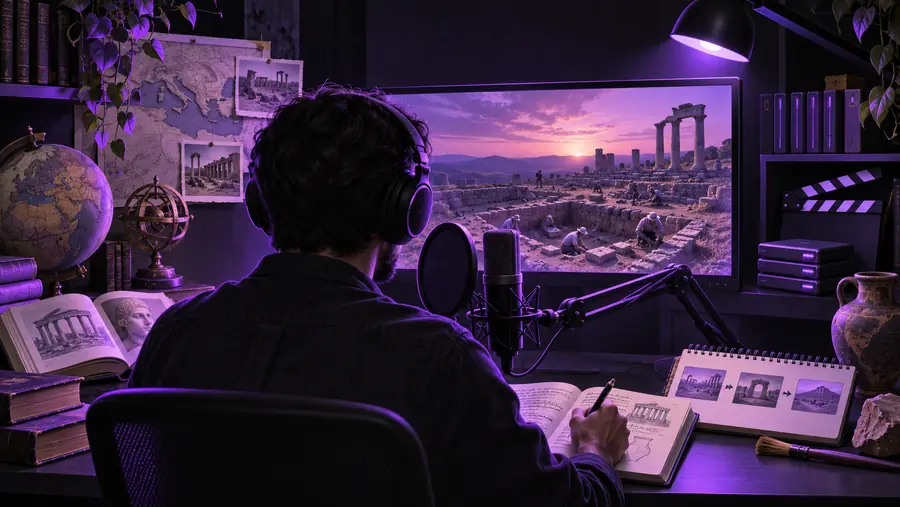
Facelessvideo landing visual for creating a video without appearing on camera

Three mechanisms behind a watchable video

A useful faceless video generator brief connects the viewer's question to a script, visual evidence, and an ending. These creator scenarios show where that structure matters.

Explainer creator

Turn one researched question into a short script with a hook, three distinct points, and a recap. Give each point a visual purpose instead of filling every gap with unrelated stock footage.

The viewer can follow the explanation even when no presenter appears on screen. For a fuller production checklist, see the linked tutorial.

making faceless YouTube videos with AI

Tutorial publisher

Map each instruction to a screen recording, diagram, or labelled close-up. Write narration that describes the action without claiming a result the visual does not show.

The edit supports the steps rather than distracting from them. Check export presentation before committing to a publishing workflow.

watermark and export considerations

Story-led channel

Draft a sequence of scenes around a clear change: a problem, an attempted solution, and a takeaway. Keep important names, dates, and claims in a separate verification list.

A faceless video generator can provide a starting structure; the creator remains responsible for the facts and the point of view.

the limits of autopilot video planning

Short-form experimenter

Test a concise opening on a single idea before expanding it into a longer YouTube explanation. Rewrite transitions so the longer version earns its extra runtime.

The same subject can serve different viewing habits without treating a vertical clip as a finished channel video.

YouTube and TikTok format differences

From topic to reviewable draft

Treat generation as a drafting stage, not a substitute for editorial decisions. Give the tool enough context to make every scene relevant.

Define the viewer's question

Write one sentence describing what the audience should understand by the end. Add the intended tone and any essential facts you have checked. A narrow brief is easier to assess than a request for a complete channel video on a broad subject.

Outline script and visuals together

Pair each spoken point with a scene type such as a diagram, demonstration, or illustrative shot. Flag claims that need a source and moments where captions must carry meaning without sound. Avoid asking for visuals that imply evidence you do not have.

Inspect before publishing

Watch the complete draft for mismatched visuals, mispronunciations, abrupt pacing, and unsupported statements. Confirm the rights and terms for any assets you use, then adapt the title, description, and thumbnail to the actual video rather than to the original prompt.


Choose the right production approach

These are workflow differences, not a promise that a particular output or control is available through the linked product.

Faceless draft workflow Camera-led workflow
1

On-screen presence

Faceless draft workflow

Can use visuals without showing the creator

Camera-led workflow

Usually depends on a filmed presenter

2

Starting material

Faceless draft workflow

Topic brief, outline, and visual plan

Camera-led workflow

Talking points, recording setup, and footage plan

3

Viewer connection

Faceless draft workflow

Built through voice, clarity, examples, and editing

Camera-led workflow

Can also rely on facial expression and direct address

4

Visual proof

Faceless draft workflow

Requires deliberate diagrams, captures, or suitable footage

Camera-led workflow

Can show the presenter performing or demonstrating

5

Main review risk

Faceless draft workflow

Generic imagery or scenes that misrepresent a claim

Camera-led workflow

Recording errors, distracting framing, or unclear delivery

6

Best editorial check

Faceless draft workflow

Does every visual help explain the narration?

Camera-led workflow

Does the recorded demonstration support the narration?

Make the visual brief more specific

Broad scene idea

Illustrative storyboard scene used to represent an early visual idea
Illustrative visual for a faceless YouTube video concept
Channel-focused direction

Illustrative comparison, not a verified before-and-after product output. In your own brief, name the subject, the point each scene explains, and what the viewer should notice.

Limits and edges to check yourself

A convincing-looking video is not automatically a reliable or publishable one. Keep these checks outside the generation step.

It cannot verify your claims

A generated script may sound confident while getting a date, mechanism, or quotation wrong. This matters most in educational, health, and financial topics.

WorkaroundCheck consequential statements against dependable sources and rewrite anything you cannot support.

It cannot grant asset rights

The presence of a clip, image, voice, or music track in a draft does not establish that you may use it on your channel.

WorkaroundReview the applicable asset and export terms before publishing; replace uncertain material.

It cannot guarantee channel performance

No faceless video generator can promise views, retention, or eligibility under YouTube's changing rules. A polished draft can still miss the audience's actual question.

WorkaroundJudge the opening for relevance, review audience feedback, and revise future videos based on what viewers need.

It cannot supply your perspective

A generic script may cover a topic without adding a useful example, firsthand observation, or clear editorial judgment.

WorkaroundAdd your own explanation, evidence, or demonstration before treating the draft as finished.

Turn a topic into a workable brief

Start with the video you want to explain

Describe the viewer, the question, and the scenes you have in mind. Use Facelessvideo as a starting point, then review the draft for accuracy, visual relevance, and publishing rights before it reaches your channel.

  • Lead with one viewer question
  • Match each claim to a useful visual
  • Review every scene before upload

YouTube faceless video FAQ

Name the audience, the question the video answers, the intended length, and the tone. Include an outline of the points you want covered and suggest visuals that explain them. Treat the result as a draft to check, not as a verified script.

A generator may help with individual video drafts, but a channel also needs topic selection, fact-checking, editorial consistency, and publishing decisions. You are responsible for reviewing what appears in each upload. Tool capabilities and output terms vary, so confirm them at the destination.

Not necessarily. Some concepts work with captions, demonstrations, or clear visual sequencing, while others benefit from narration. Choose the approach that makes the subject understandable, including for viewers watching with the sound off.

Begin with a specific viewer question and add examples or evidence that belong to your subject. Replace decorative footage with scenes that clarify a point. A final human edit can improve pacing, remove repetition, and make the conclusion more useful.

Review it first for factual accuracy, asset rights, misleading visuals, and compliance with current platform requirements. A generated draft may contain mistakes or material whose permitted use is unclear. Publishing decisions remain yours.

Create a video
Create a video